Why Netflix 4K Can Look Worse Than a Theater at 1080p
Resolution is only the pixel count. The picture also needs enough bits to describe those pixels. A 4K stream can have more pixels than a theater image and still give each pixel far less data.
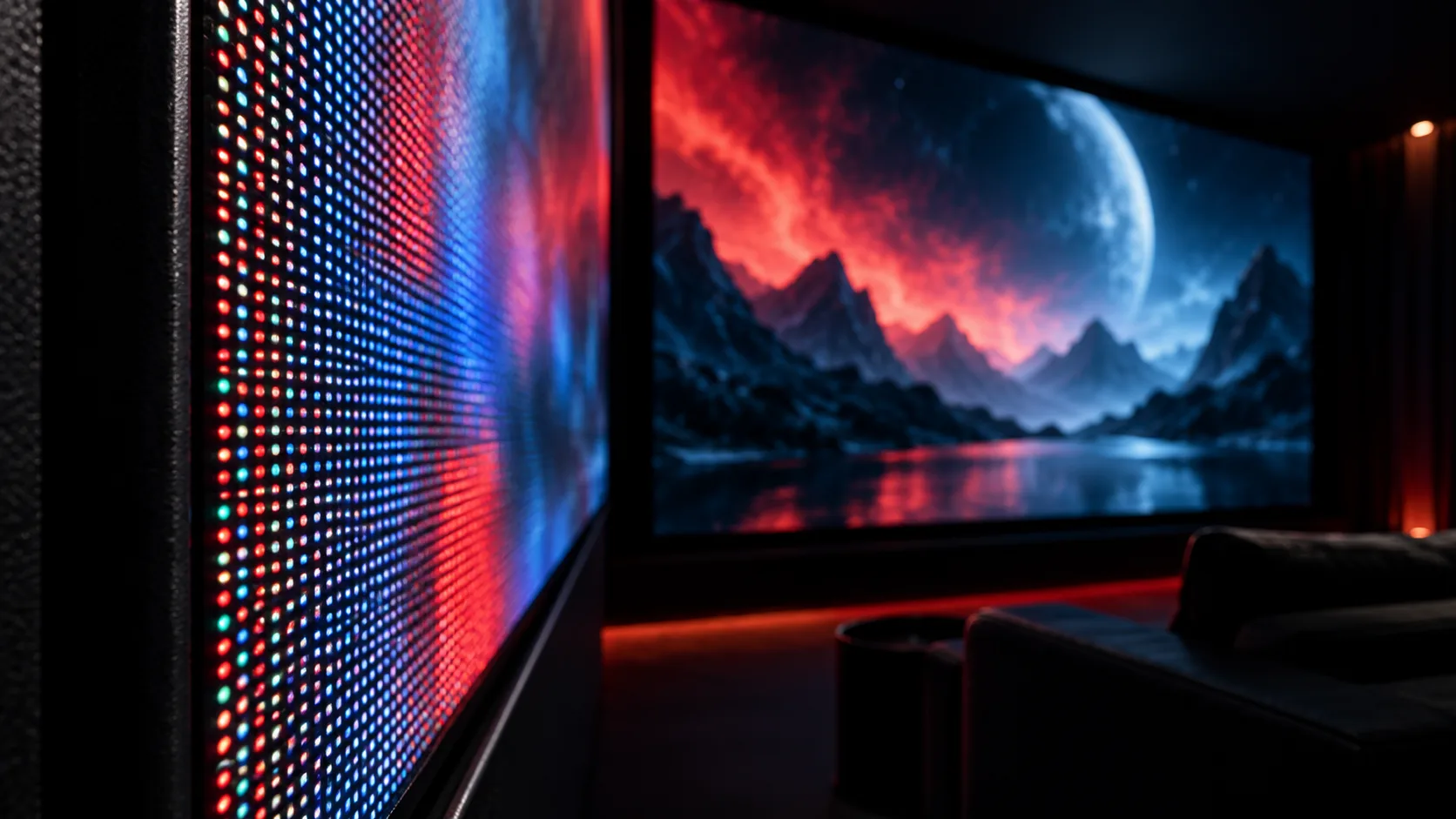
The pixel-count trap
It sounds obvious:
4K should look better than 1080p.
Sometimes it does.
But "4K" only tells you how many pixels are in the frame. It does not tell you how much information each pixel gets.
That is why a Netflix 4K stream can look softer, blockier, or noisier than a movie theater image that is only around 2K or "1080p-ish."
Resolution tells you the size of the grid. Bitrate tells you how much data is available to fill that grid.
If the grid gets four times bigger but the data budget does not grow enough, each pixel gets less room to breathe.
What 1080p actually means
1080p usually means:
1920 x 1080 pixels
= 2,073,600 pixels per frame
At 24 frames per second:
2,073,600 pixels/frame x 24 frames/second
= 49,766,400 pixels per second
Now imagine a simple uncompressed image where every pixel has red, green, and blue, with 8 bits for each channel:
8 bits red + 8 bits green + 8 bits blue
= 24 bits per pixel
So uncompressed 1080p at 24 fps is roughly:
1920 x 1080 x 24 fps x 24 bits
= 1,194,393,600 bits per second
= about 1.19 Gbps
That is before audio.
That is before higher bit depth.
That is before any cinema color format.
What 4K changes
Consumer 4K usually means:
3840 x 2160 pixels
= 8,294,400 pixels per frame
That is exactly four times the pixel count of 1080p.
Do the same uncompressed math:
3840 x 2160 x 24 fps x 24 bits
= 4,777,574,400 bits per second
= about 4.78 Gbps
So raw 4K at 24 fps needs almost 4.8 Gbps in this simple model.
Netflix's help page recommends 15 Mbps or higher for 4K UHD streaming.
Compare the two:
uncompressed 4K estimate: 4,778 Mbps
Netflix 4K recommendation: 15 Mbps

compression ratio ~= 4,778 / 15
compression ratio ~= 319:1
That does not mean Netflix looks 319 times worse. Modern codecs are very smart.
But it does mean the stream is throwing away a lot of data and trying to keep only what you are likely to notice.
Streaming 4K is not raw 4K. It is heavily compressed 4K.
Bitrate is the data budget
Bitrate means how many bits the video is allowed to spend per second.
15 Mbps = 15 million bits per second
If a video has more pixels, more motion, more grain, more darkness, or more texture, it needs more bits to preserve the image cleanly.
A clean cartoon compresses easily.
A dark rainy street with film grain does not.
A slow interview compresses easily.
A handheld action scene with smoke, sparks, and fast cuts does not.
The codec has to make choices:
- keep this edge sharp
- blur this texture
- smooth this grain
- reduce detail in this shadow
- spend more bits on the moving face
- spend fewer bits on the background
That is why the same 4K stream can look great in one scene and bad in another.
Bitrate is not just internet speed. It is the picture's spending limit.
Bits per pixel per frame
There is a useful way to feel the difference:
bits per pixel per frame =
bitrate / (pixels per frame x frames per second)
For Netflix-style 4K at 15 Mbps and 24 fps:
15,000,000 / (3840 x 2160 x 24)
= 0.075 bits per pixel per frame
That is less than one tenth of one bit per pixel per frame.
Of course the codec is not literally storing every pixel independently. It predicts from nearby pixels and previous frames. That is the whole point of compression.
But the number is still useful. It tells you the data budget is extremely tight.
Now compare a digital cinema package.
Cinema DCPs use JPEG 2000 and commonly allow image bitrates up to around 250 Mbps. A 2K DCI flat container is about:
1998 x 1080 pixels
= 2,157,840 pixels per frame
At 24 fps and 250 Mbps:
250,000,000 / (1998 x 1080 x 24)
= 4.83 bits per pixel per frame
Now compare:
Netflix 4K at 15 Mbps:     ~0.075 bits/pixel/frame
Cinema 2K at 250 Mbps:     ~4.83 bits/pixel/frame

4.83 / 0.075 ~= 64x
This is not a perfect quality ratio because the codecs are different. HEVC and AV1 are more efficient than cinema JPEG 2000 for streaming.
But the direction is clear:
The theater file may have fewer pixels, but it can spend far more data on each pixel.
Why a theater can win at lower resolution
A theater is not just showing "1080p."
It is usually playing a DCP designed for projection. That package has a large file size, controlled mastering, high-quality audio, stable playback, and no need to fit through your home internet connection in real time.
The theater does not need to ask:
Can this scene survive on a weak Wi-Fi connection?
Should we lower quality to avoid buffering?
Is someone else in the house using bandwidth?
Can this TV app decode the highest profile?
The file is already there. The projector plays it at a predictable rate.
Netflix has a different problem.
It has to stream to many devices, many networks, many countries, and many internet conditions. It must avoid buffering. It must adapt while you watch.
So the app may choose a lower bitrate version when the network is unstable. It may prioritize smooth playback over maximum detail.
That tradeoff is reasonable.
But it is visible.
Compression hates certain images
Compression is not equally kind to every scene.
It struggles with:
- film grain
- smoke
- rain
- snow
- fire
- confetti
- dark gradients
- fast camera motion
- handheld action
- low-light texture
These details look random to the encoder.
Random-looking detail is expensive because it is hard to predict. If the bitrate is limited, the encoder often smooths it, blocks it, or turns it into noise.

A small reference image makes the tradeoff easier to see: the original keeps the fine texture around the eye, while the lossy JPEG version spends fewer bits and starts showing blocky artifacts.
That is why dark streaming scenes often look worse than bright scenes.
The pixels are still "4K." The useful detail did not survive compression.
Resolution is not sharpness
Resolution gives the maximum possible detail.
It does not guarantee visible detail.
Sharpness depends on the whole chain:
- camera and lens
- focus
- motion blur
- grain
- color grading
- source master
- codec
- bitrate
- display processing
- viewing distance
- room lighting
A soft 4K image is still 4K.
A heavily compressed 4K image is still 4K.
A 4K stream that dropped to a lower bitrate during playback may still be labeled 4K by the app or TV.
But the eye does not see the label. It sees the surviving information.
A simple file-size comparison
Bitrate also explains file size.
A two-hour movie has:
2 hours x 60 minutes x 60 seconds
= 7,200 seconds
At 15 Mbps:
15,000,000 bits/second x 7,200 seconds
= 108,000,000,000 bits

108,000,000,000 / 8
= 13,500,000,000 bytes
= about 13.5 GB
At 250 Mbps:
250,000,000 bits/second x 7,200 seconds
= 1,800,000,000,000 bits

1,800,000,000,000 / 8
= 225,000,000,000 bytes
= about 225 GB
That is the difference.
The theater can carry a movie-sized file. Streaming has to fit the movie into a much smaller network budget.
The practical takeaway
4K is a container size.
Bitrate is how much information goes into that container.
A 4K Netflix stream can have four times as many pixels as 1080p, but if each pixel gets a tiny data budget, the image can look worse than a lower-resolution cinema presentation with a much higher bitrate per pixel.
That is why the better question is not:
Is it 4K?
The better question is:
How many useful bits survived until the screen?
More pixels help only when the system gives those pixels enough information.
Sources
Field notes
Sign in to leave a comment.
Sign in